 Est. 1987
01
TheFork Manager, wired in
The booking module from TheFork Manager, embedded on your domain with your restaurant ID. Guests book on your site; the table lands in your planning.
TheFork fills tables across Europe. We build the website that makes the direct booking the easy one: the official module embedded on your domain, in every language you serve, with your Yums offers where they convince.
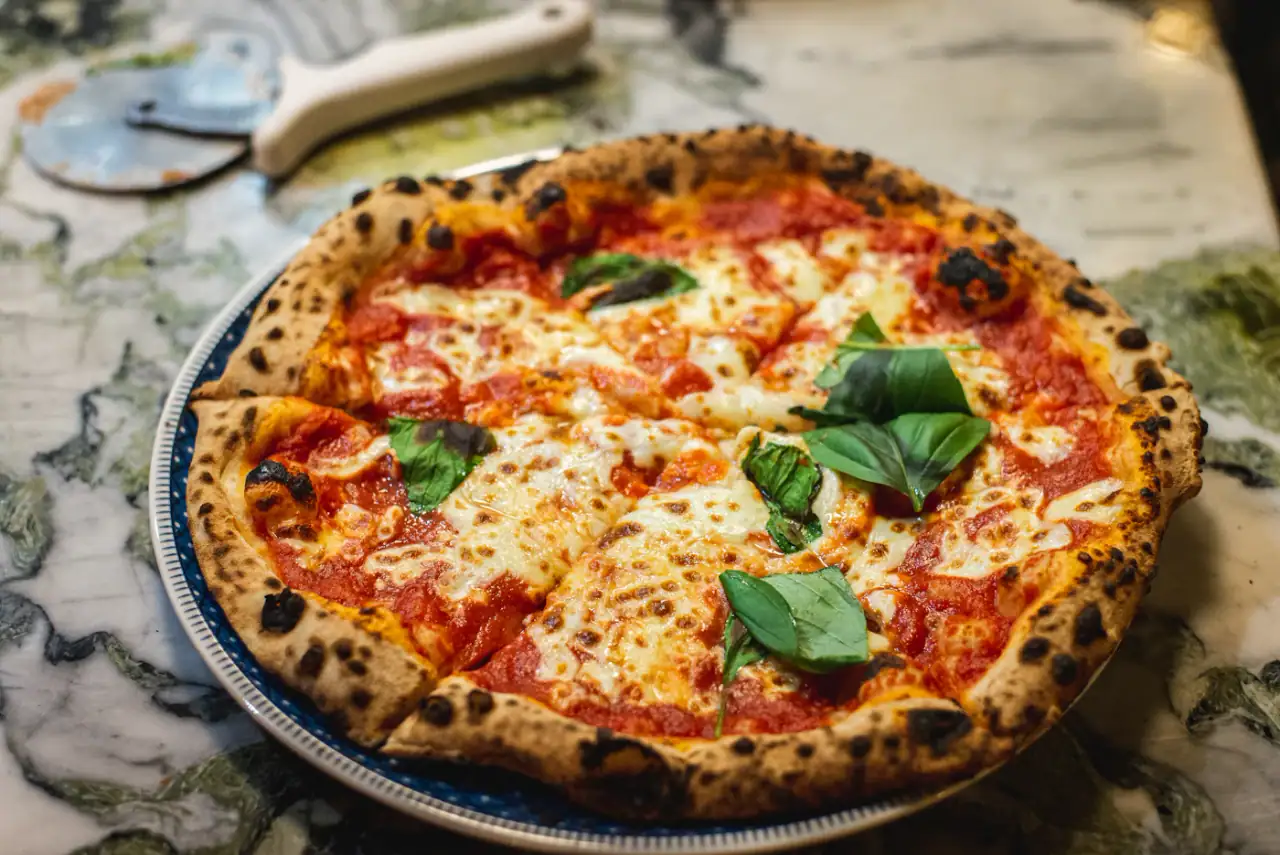
A guest booking Osteria Lucia, our italian demo, through TheFork. Your site gets the same booking path, with your restaurant behind the button.
5 days
From onboarding to live, TheFork included
$0
For design, build and the integration
1 tap
From any page to the TheFork booking flow
$89/mo
Concierge Hosting, switching included
TheFork handles the table. Everything that leads a guest to it, the site, the menu, the photos, the booking path, is our job. Here is why restaurants on TheFork choose us for it.
01
The booking module from TheFork Manager, embedded on your domain with your restaurant ID. Guests book on your site; the table lands in your planning.
02
Tourists and locals both find a booking flow they understand. With the multi-language add-on the whole site follows, hreflang tags included.
03
Yums and special offers placed next to the booking button, not buried on a third-party listing.
04
Menu, Google Reviews, Maps, local SEO, hosting and every update afterwards, from the team that built the booking path.
A booking button is not an integration. A booking path is. These are the five places TheFork shows up on every site we build.
A “Reserve” button in the header of every page. It opens TheFork with your restaurant already selected.
The first screen of the home page pairs the menu with a reserve button, so a guest who is sold can act on it.
On phones a slim bar stays within thumb reach while the guest scrolls the menu and the photos.
A page of its own with the TheFork widget, opening hours, the map and a private-dining form beside it.
One more route at the bottom of every page, next to the phone number and the directions.
Every step a guest takes before the table is ours to design. The one in TheFork stays exactly as TheFork built it.
“Best italian near me”, on Google, Maps or Instagram. Your site ranks because it is fast, structured and reviewed.
Photos, menu, the room. A reserve button in the header, in the hero and in the mobile bar. Never more than one tap away.
Date, time, party size. The official TheFork flow, on your domain, with your restaurant preselected.
The reservation lands in TheFork Manager with the guest's details, tagged as coming from your website.
Depending on your TheFork plan and how your guests book, we use one or more of these. Usually all three.
The official TheFork module is embedded in your Reserve section: date, time, guests, confirmation, all on your domain.
Sticky “Book a table” buttons on mobile and desktop open your TheFork flow instantly.
We highlight your TheFork special offers and loyalty (Yums) where they drive bookings.
No developer needed on your side. You share an ID or a link; we do the rest.
What we need from you
Works with
In the onboarding we ask which platform you use. Choose TheFork and share your restaurant ID or booking link. That is the only technical thing we ever ask of you.
Our designers place TheFork where it converts: the header button, the hero call-to-action, a sticky mobile bar and a dedicated Reserve page.
We integrate the official TheFork widget or link flow, style it to your brand where the platform allows, and test the whole journey on every device.
Your site launches with reservations working from minute one. Change platforms later? Swapping TheFork for another integration is included.
Pairs well with
Also included
Everything else a restaurant site needs.
36 features on every site, whichever platform takes the booking.
Every platform gets the same booking path and the same care.
Free custom build with TheFork built in. Live in 5 days. $89/month Concierge Hosting. That’s the whole deal.
No setup fee. No design fee. Cancel hosting anytime.